Flutterhall App: Installing the Web App on iPhone and Android

Up to £6,000 + 275 free spins18+ · New players · 3 deposits, codes FH1–FH3 · min. deposit £20 · 35x wagering · T&Cs apply
The Flutterhall app comes from the casino's own website rather than from a store. Searching Apple's and Google's catalogues turned up nothing we could tie to the operator, and the site hosts no APK. Instead, the "Download App" item in the site menu, or your browser's "Add to Home Screen" option, puts a Flutterhall icon next to your other apps, and it opens the full casino in its own window.
Because it is the website in an app frame, the account, balance, bonus codes and games match what you see on a laptop. The sections below show how to set it up on each phone, what the mobile layout looks like, where a web app falls short of a native one, and how to keep the install safe.
On this page
Is there a Flutterhall app in the stores?
Not that we could confirm. On 18 November 2026 the official site linked to no App Store or Google Play page, and it offered no Android package for download. The only route the operator gives is "Download App" in the side menu, which leads to an installation page on flutterhall.com itself.
This shapes how you should treat anything else. An APK hosted on a third-party site, or a store listing under a similar name, is not something the casino points to. Install from the official domain only, and ignore downloads offered elsewhere.
What the mobile version gives you
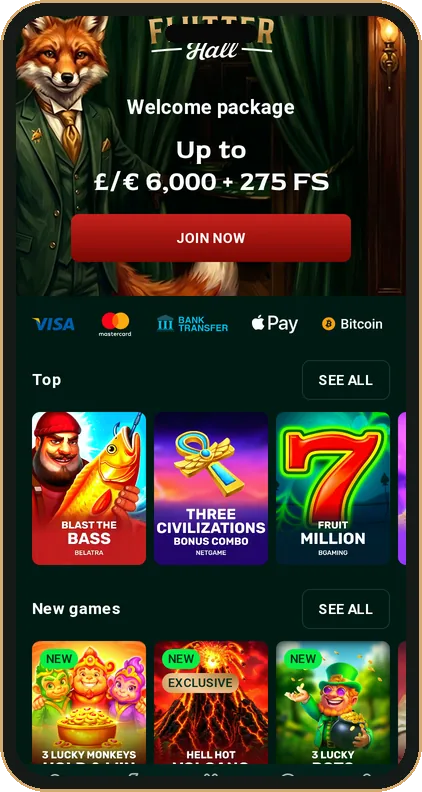
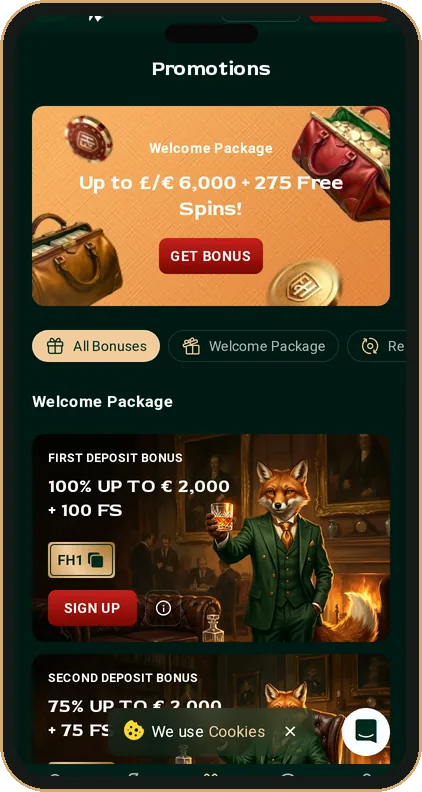
The phone layout keeps the desktop content but rearranges it for one thumb. Across the bottom runs a fixed bar with five icons:
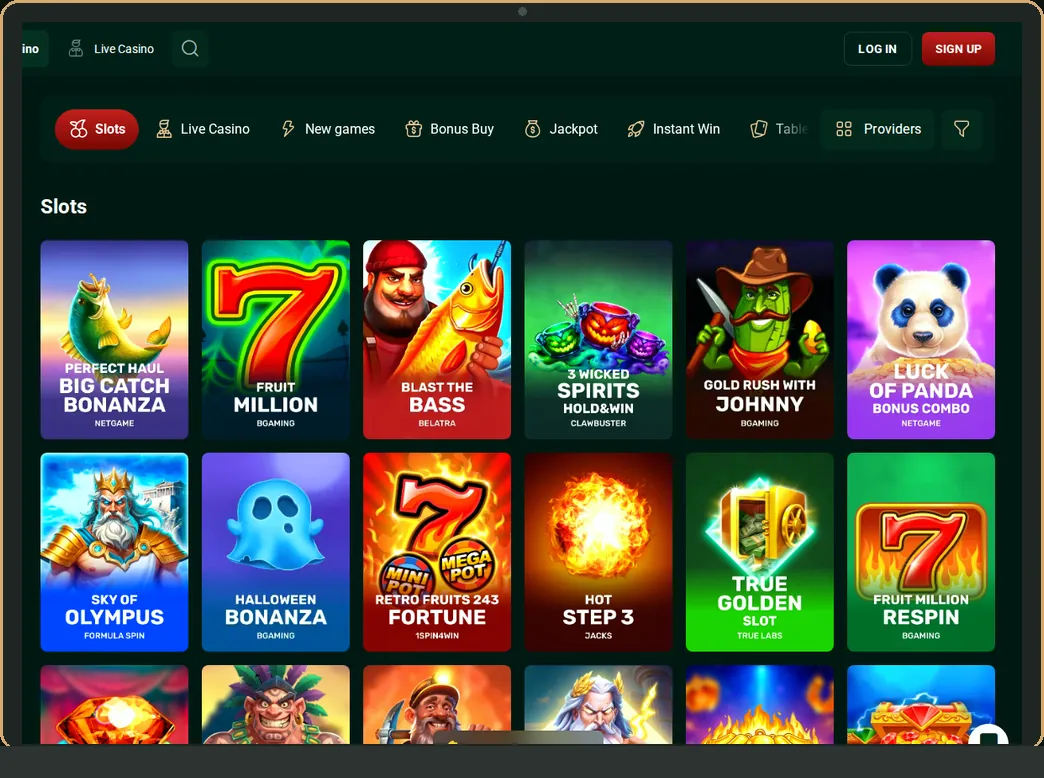
- Casino: the slot lobby with Top, New games and the category tabs;
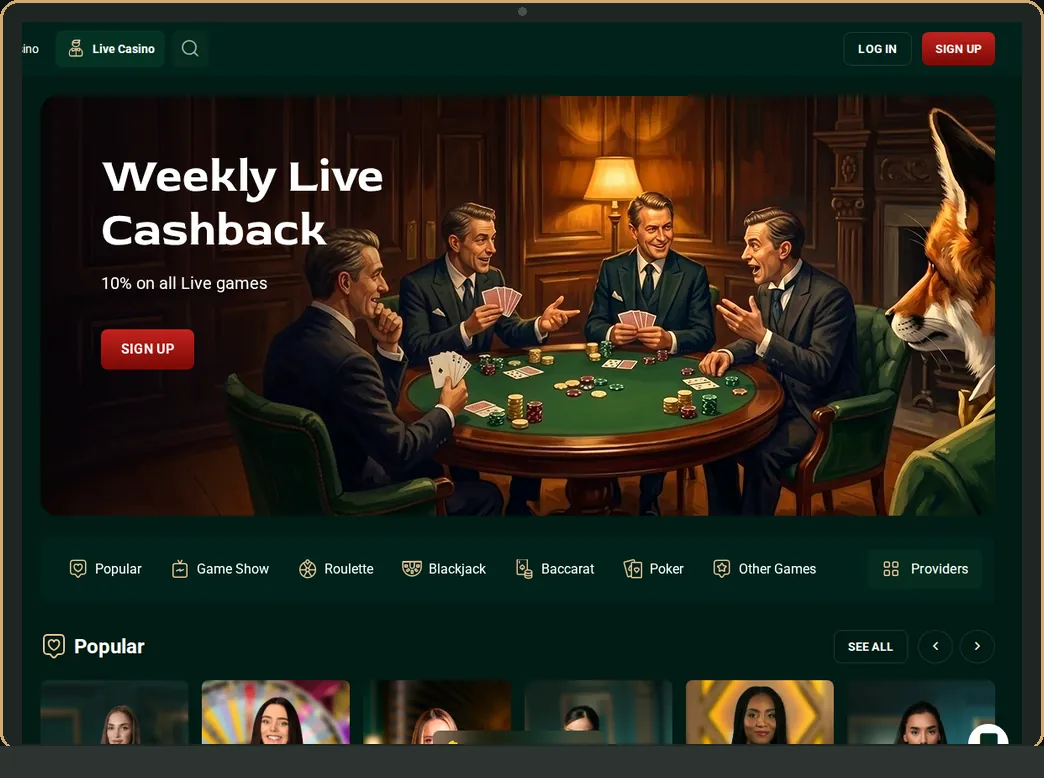
- Live Casino: dealer tables, game shows and the Weekly Live Cashback banner;
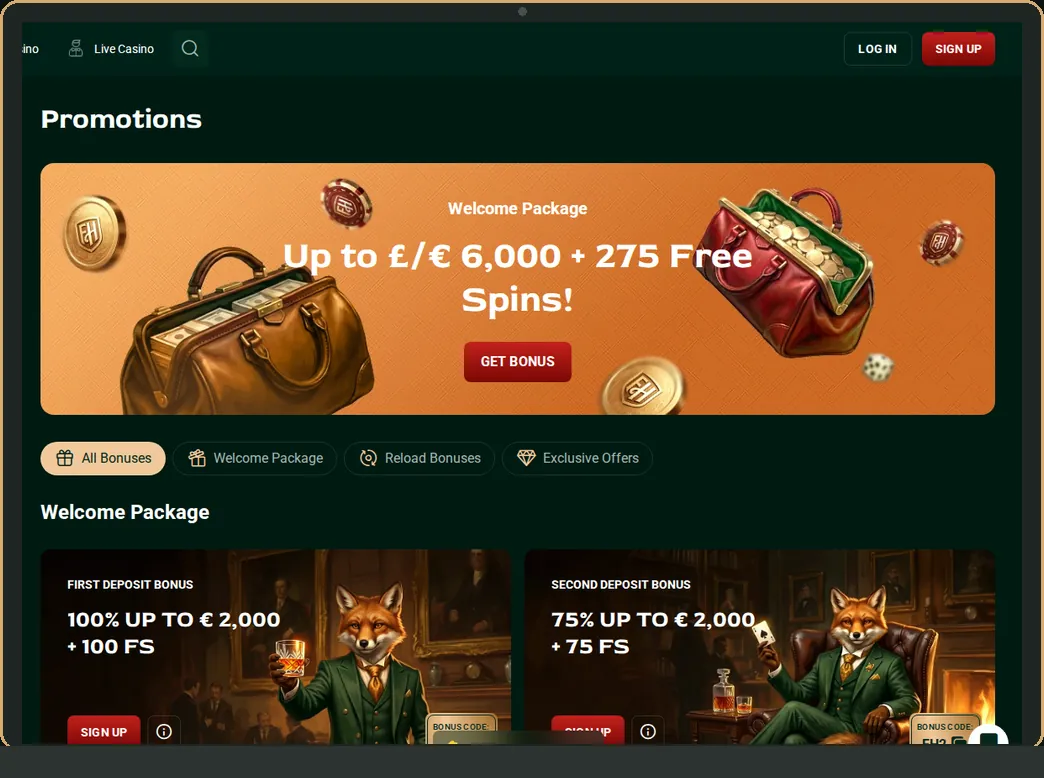
- Promotions: welcome codes FH1 to FH3, reloads, Lucky Spin and Lucky Box;
- Search: find a title or studio by name;
- Profile: your account area.
At the top, "LOG IN" and "SIGN UP" sit beside the fox logo, while the three-line icon opens the full menu with the Bonus Shop, Tournaments, the Help Center and the English or Dutch switch. Game tiles carry DEMO buttons, so you can try a slot before staking real money. Our guides to Flutterhall slots and the live casino describe each lobby in detail.
Installing on an iPhone
Safari handles the install on iOS. The steps are short:
- Open flutterhall.com in Safari.
- Tap the three-line icon and choose "Download App". If the installation page gives instructions, follow them.
- If no prompt appears, tap Safari's Share button, scroll and pick "Add to Home Screen".
- Keep or edit the name, then confirm. The icon appears on your home screen.
Opened from that icon, the casino fills the screen without Safari's address bar. Sign in with the email and password you already use; our login page helps if they are lost.
Installing on Android
On Android, Chrome is the most dependable browser for the task.
- Visit flutterhall.com in Chrome.
- Choose "Download App" in the menu. Chrome may show an install banner.
- No banner? Use the menu behind the three dots in the corner of Chrome and choose "Install app" or "Add to Home screen"; the wording varies between releases.
- Confirm, then launch from the new icon.
No setting for "unknown sources" needs changing, because nothing is sideloaded. If a page ever asks you to allow that for a Flutterhall download, close it.
Web app versus a native app
A web app is lighter than a store download, though it has limits. This is how it compares.
| Point | Web app (Flutterhall) | Native store app |
|---|---|---|
| Storage | A shortcut and cached files | A full install |
| Updates | Arrive with the website | Through the store |
| Store review | None | App Store or Google Play checks |
| Account and bonuses | Same as desktop | Usually the same |
| Push alerts | Depend on browser support | Usually available |
| Offline use | No; games stream live | No for real-money play |
For most players the trade is fair: nothing to update, the same lobby as the desktop, and no storage worries on an older phone. The weak point is that no store has reviewed the package, which leaves the checks to you.
Payments and bonuses on your phone
The payment strip on the mobile home page shows Visa, Mastercard, bank transfer, Apple Pay and Bitcoin, the same set as on desktop, with Ethereum, Litecoin, Dogecoin and Tether among the crypto icons. Apple Pay is the quickest fit for an iPhone. The minimum deposit stays at £20, and codes such as FH1, MONDAY or FRIDAY are entered exactly as on a laptop. Our payments guide covers each method.
Lucky Spin wheels and Lucky Box prizes behave identically on a handset too, opening after your first deposit with tiers that start at £25. Wagering does not change with the device either. Slots count in full towards a bonus, live tables only 5%, and the welcome package carries 35x.
When the web app misbehaves
The app is the website inside a frame, so most faults come from the browser underneath it.
- Blank screen on launch: open flutterhall.com in the browser itself to see whether the site loads there.
- Signed out every time: the browser may wipe cookies on exit; allow them for flutterhall.com.
- No install prompt on Android: some browsers hide it, and Chrome usually brings the option back.
- Old layout after a site update: remove the icon and add it again so a fresh copy is stored.
- Stuttering live streams: dealer video needs a steady signal, and Wi-Fi tends to beat a weak mobile network.
None of these needs a support ticket. If the account itself is locked, the fix lies with the operator rather than the phone.
Staying safe with the web app
A few habits matter more on a phone than on a laptop:
- lock the handset with a PIN or biometrics, since the app may keep you signed in;
- install only from flutterhall.com and delete icons added from other sites;
- keep the browser updated, because the web app relies on it;
- remember that the official site names no regulator or licence number; our licence and safety page explains what to check.
Phones make it easy to play in spare moments. If that starts to feel like a habit rather than a choice, our responsible gambling page lists free UK support.
Frequently asked questions
Do I need to download anything to play on mobile?
Nothing is required. Flutterhall runs in any up-to-date phone browser; the home-screen version merely adds a shortcut and hides the address bar.
Why is Flutterhall not on Google Play?
The operator has not linked to a store listing, so we cannot say why. It offers the web app through "Download App" instead.
Does the Flutterhall app have its own bonus?
We found no app-only offer. The welcome package, reloads, Lucky Spin and cashback are the same whether you play in a browser, in the web app or on a desktop.
Can I use one account on my phone and my laptop?
Yes. The web app opens the same site, so your balance, active bonus and history follow you between devices.
How do I remove the app?
Press and hold the icon, then delete or remove it as you would any home-screen shortcut. Your casino account stays as it is.